PingKit vs NetSpot
NetSpot's signature feature is a visual WiFi heatmap - something PingKit doesn't offer. Here's when that's worth paying for, and when it isn't.
NetSpot (by Etwok Inc) is built around one specific, genuinely useful capability: walking through a home or office while the app builds a visual coverage heatmap you can overlay on a floor plan. That's a different job than the general network toolkit PingKit provides. We make PingKit, so weigh our framing accordingly, but the pricing and feature details below are checked against NetSpot's current App Store listing.
Feature-by-Feature
| Capability | PingKit | NetSpot |
|---|---|---|
| Device discovery | Yes, free | Yes, free |
| Ping test | Yes, free | Yes, free |
| Speed test | Yes, free | Yes, free |
| Visual WiFi heatmap | Not offered | NetSpot Plus ($8.99/mo or $29.99 lifetime) |
| Security scan + score | Yes, free | Not offered |
| Port scanner / SSL inspector / DNS / Whois | Yes, free (19 tools) | Not offered |
| Wake on LAN | Yes, free | Not offered |
| Background monitoring + new-device alerts | Free Mac Agent | Not offered |
| Ads | None | None |
| Price | Free + optional $2.99/mo | Free + Plus from $8.99/mo |
NetSpot pricing per its App Store listing, checked 2026.
Where NetSpot Wins
If you actually need a floor-plan-style visual map of WiFi coverage - installers, larger homes, offices, anyone who wants to show a client or landlord exactly where signal drops off - NetSpot Plus is purpose-built for that and does it well. PingKit has no equivalent; its WiFi tool reports a live number, not a walkable map.
Where PingKit Wins
Everything outside heatmapping. NetSpot's free tier covers scanning, ping, and speed test; PingKit matches that and adds security scanning with a score, a port scanner, SSL inspection, DNS and Whois lookups, Wake on LAN, and more - all free, with nothing behind a paywall. For finding a dead zone in a typical home, walking room to room with PingKit's Connection Monitor watching live latency, jitter and packet loss gets you most of the way there without paying for a heatmap.
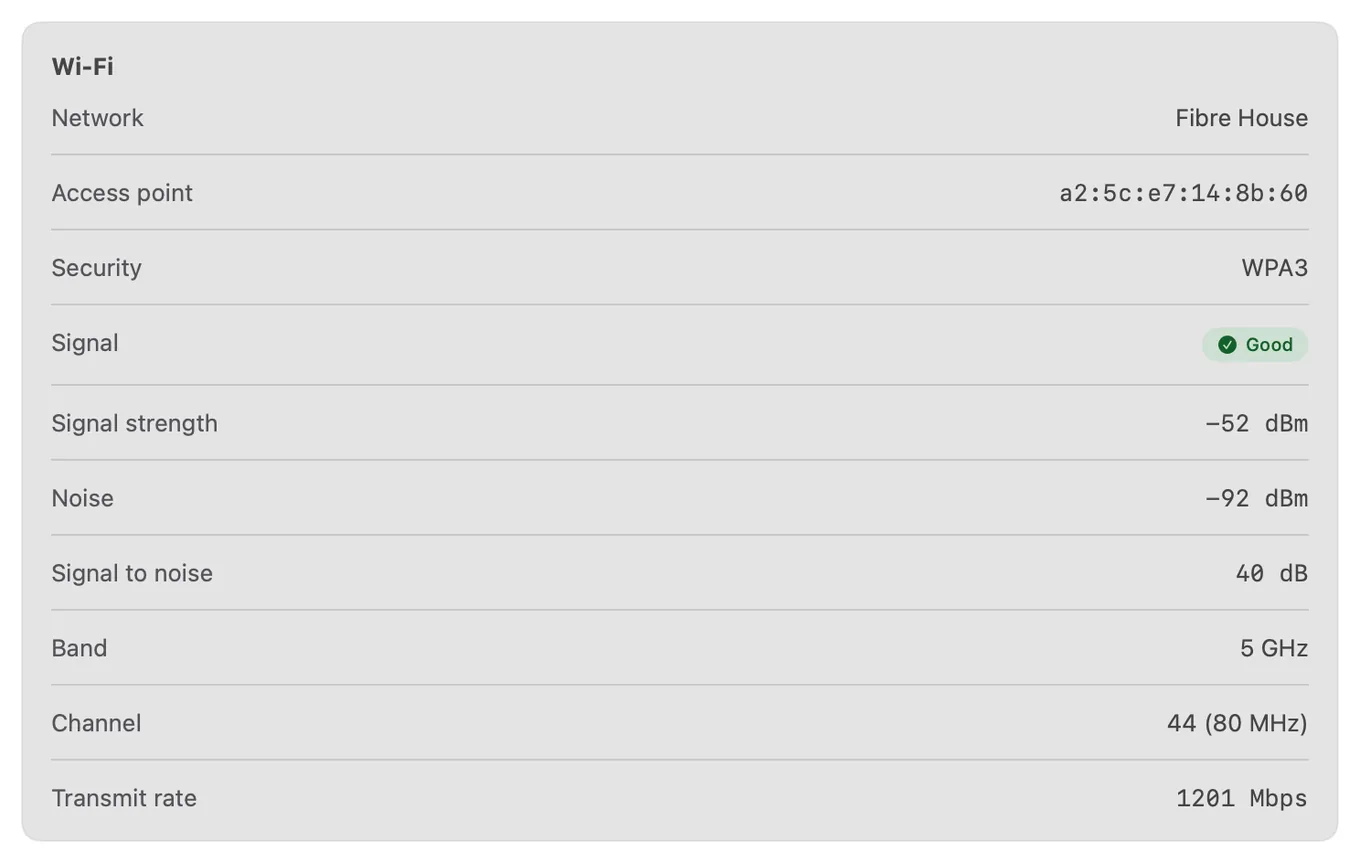
The "do you actually need a heatmap" question: A visual heatmap is genuinely useful for large or oddly-shaped spaces, but for a typical apartment or house, a live signal-strength reading while you walk around finds the same dead zones. Pay for NetSpot Plus if you specifically want the visual, shareable map; skip it if you just want the coverage problem fixed.
Which Should You Choose?
- You need a visual, shareable WiFi coverage map: NetSpot Plus.
- You want free device discovery, ping, and speed test with no paywall anywhere: PingKit.
- You want the widest free toolkit plus background monitoring from a Mac: PingKit + the free Mac app.